Mastering CMYK vs. RGB: A Printer's Guide to Perfect Color
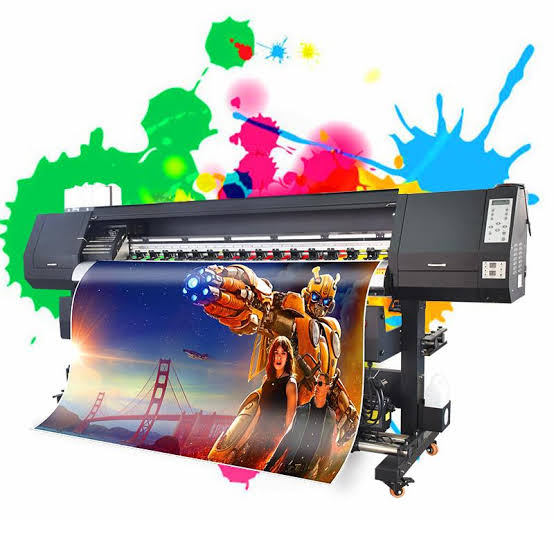
One of the most common—and most costly—mistakes we see clients make is failing to convert their digital artwork from **RGB** (Red, Green, Blue) to **CMYK** (Cyan, Magenta, Yellow, Key/Black). This single step is the difference between vibrant screen colors and dull, disappointing final prints.
Understanding RGB: The Digital Standard
RGB is an **additive color model**, meaning colors are created by adding light. This is how screens, cameras, and monitors generate millions of colors. When all three colors (R, G, B) are combined at maximum intensity, they produce **white**. This color space is inherently brighter and has a wider range (gamut) than CMYK.
Understanding CMYK: The Print Standard
CMYK is a **subtractive color model**. Colors are created by subtracting (absorbing) light on the paper. This is what physical printers use. When you combine all four inks (C, M, Y, K) at maximum intensity, the result is deep **black**. The challenge lies in the fact that the CMYK gamut is significantly smaller than the RGB gamut.
**The Takeaway:** If your design contains colors that exist in the RGB gamut but not the CMYK gamut (especially very bright blues and greens), they will be automatically converted—or "clipped"—to the closest CMYK color, which usually results in a muted, duller shade.
How to Prepare Your Files
Always convert your files to CMYK in your design software (e.g., Adobe InDesign, Illustrator, or Photoshop) *before* you export them for printing. This allows you to preview the color shift and make manual adjustments to ensure the final result is as close to your vision as possible.
For best results, always submit files in **PDF/X-1a format** with the correct bleed and embedded fonts. This standardized format ensures color conversion and file integrity are maintained from your computer to our press.

The UgwuSonPrints Team is composed of veteran prepress specialists and printing experts dedicated to sharing their knowledge to help clients achieve flawless results.
Need Print Setup Help?
Our prepress team offers complimentary file checks before printing begins.
Contact Support